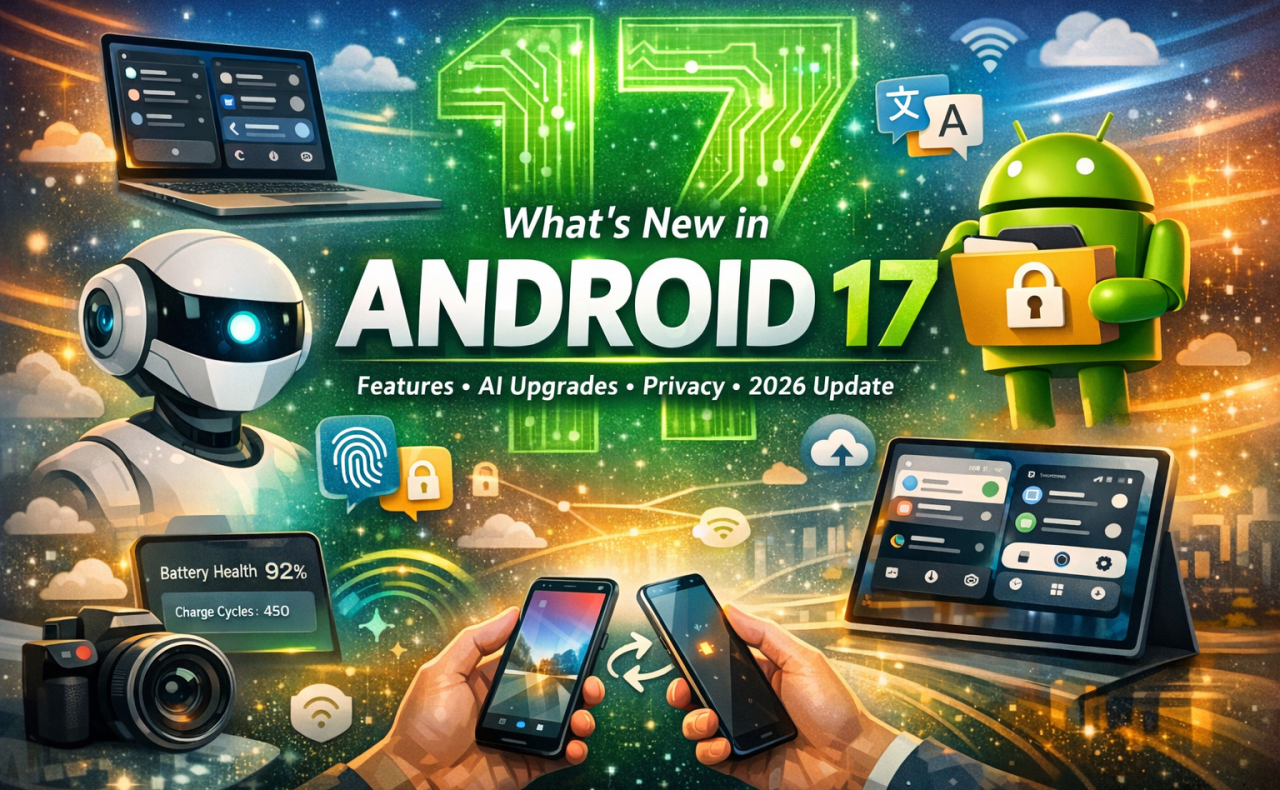
Android 17 marks a major evolution in Google’s mobile ecosystem, focusing on AI integration, improved privacy, enhanced UI design, and cross-device experiences. While it may not look radically different at first glance, it introduces powerful behind-the-scenes upgrades and smart features that significantly improve everyday usability.
Introduction
Every Android update brings refinements, but Android 17 (2026) takes a bigger leap by blending AI-driven experiences with practical usability improvements. Instead of flashy redesigns alone, this version focuses on making smartphones smarter, more secure, and more connected across devices.
From advanced AI assistants to desktop-like multitasking, Android 17 is designed for the future of mobile computing.
Top New Features in Android 17
1. 🤖 AI-Powered Experience (Project Astra Integration)
Android 17 introduces deep integration with AI through Project Astra, making your phone more context-aware than ever.
- Real-time object recognition via camera
- Contextual memory (e.g., “Where did I leave my keys?”)
- Live translation overlays in real-world view
This transforms your phone into an intelligent assistant that understands your environment, not just commands.
2. 🔐 Native App Lock (Built-in Privacy Control)
One of the most requested features is finally here.
- Lock individual apps using fingerprint, PIN, or face unlock
- Hide notifications for locked apps
- No need for third-party tools
This significantly improves privacy and security at system level.
3. 🎨 New “Frosted Glass” UI (Material Evolution)
Android 17 evolves Material Design into a more modern visual style:
- Glass-like translucent UI (blur effects)
- Dynamic color adaptation
- Cleaner, premium look
This gives Android a more refined and futuristic aesthetic.
4. 🔄 Split Control Center (Dual-Shade UI)
A major UI shift:
- Swipe left → Notifications + AI summaries
- Swipe right → Quick settings panel
This separation improves usability and accessibility, especially on larger screens.
5. 🖥️ Desktop-Class Multitasking
Android 17 takes multitasking to the next level:
- Freeform app windows
- Drag-and-drop between apps
- Taskbar and snap layouts
Perfect for tablets, foldables, and external display users.
6. 🔋 Battery Health Dashboard
A long-awaited feature for power users:
- Battery health percentage
- Charge cycle count
- Manufacturing details
Helps users make smarter decisions about device longevity and replacements.
7. 📷 Pro-Level Camera & Media Upgrades
Android 17 improves photography and video capabilities:
- RAW14 image support (higher dynamic range)
- Smoother camera transitions
- Advanced video compression (VVC support)
This is especially useful for content creators and professionals.
8. 🔗 Cross-Device Continuity (Handoff)
A big step toward ecosystem integration:
- Start tasks on one device, continue on another
- Seamless app transition across Android devices
This brings Android closer to a multi-device ecosystem experience.
9. 📲 New Sharing Feature (“Tap to Share”)
Android is working on an AirDrop-like feature:
- Share files by tapping devices together
- Faster and more intuitive sharing
This improves peer-to-peer communication and file transfer.
10. ⚙️ Everyday Usability Improvements
Android 17 also introduces smaller but impactful changes:
- Hide app names on home screen
- Bubbles for any app (multitasking)
- Separate Wi-Fi & mobile data toggles
- Per-app dark mode settings
- Improved screen recording tools
These tweaks enhance daily user experience and customization.
🔐 Focus on Privacy & Security
Android 17 emphasizes better control over your data:
- Selective contact sharing with apps
- Improved permission handling
- Stronger system-level protections
This aligns with Google’s push toward user-first privacy controls.
📅 Release Timeline
- Beta release: February 2026
- Platform stability: Mid-2026
- Final release: Expected around August–September 2026
Initially available on Google Pixel devices, followed by other OEMs.
📊 Final Thoughts
Android 17 is not just another update—it’s a shift toward AI-first mobile computing.
✔️ What stands out:
- Deep AI integration
- Better privacy and app control
- Desktop-like productivity
- Seamless multi-device experience
⚠️ What to expect:
- Many changes are subtle but impactful
- Full potential depends on hardware (especially AI features)
🏁 Conclusion
Android 17 focuses less on flashy redesigns and more on making your phone smarter, safer, and more powerful. Whether you’re a developer, content creator, or everyday user, this update brings meaningful improvements that enhance how you interact with your device.
